Introduction to WordPress for Beginners (Full Version)
About Course
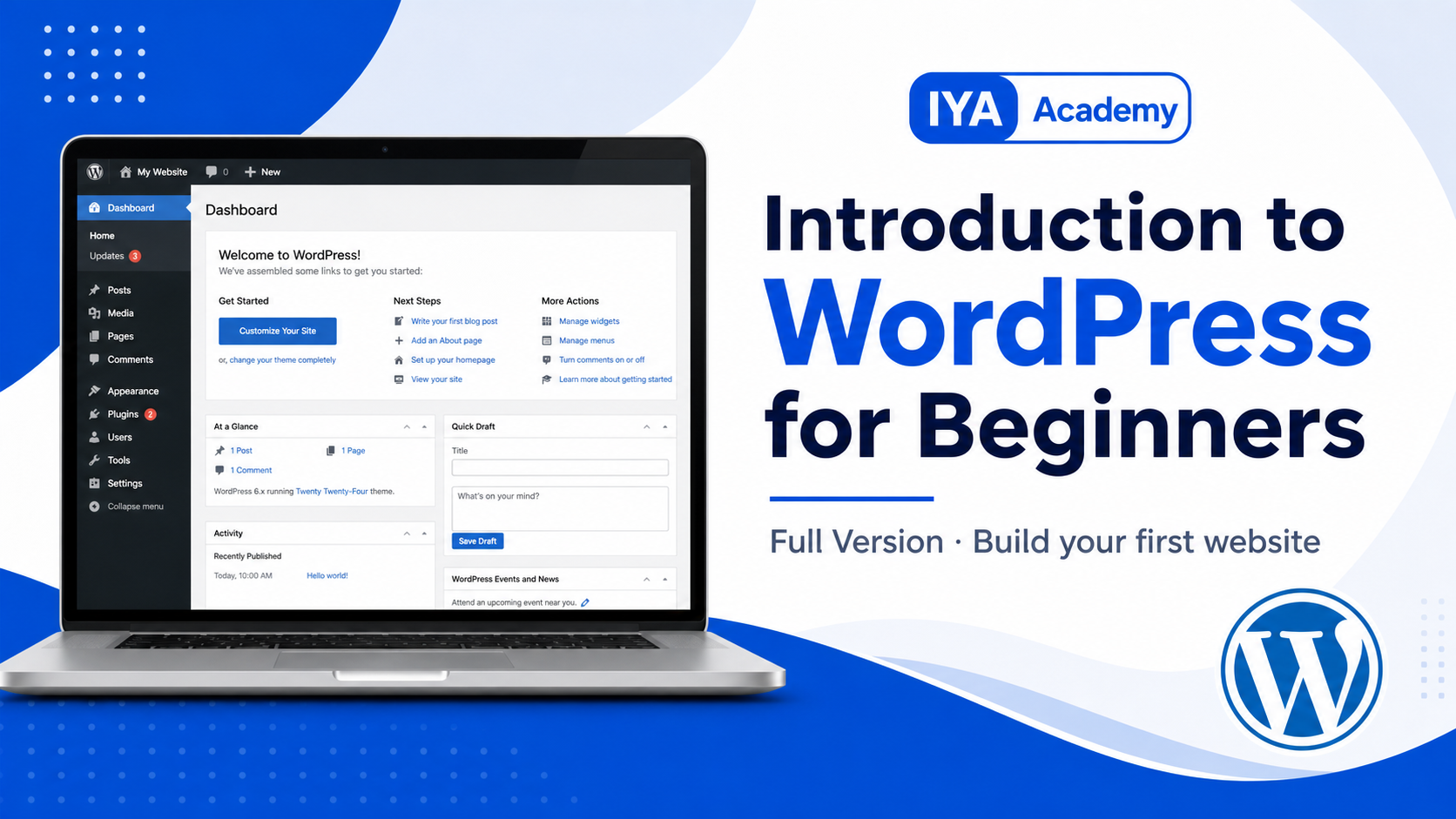
A beginner-friendly practical course that teaches learners how WordPress works, how to navigate the dashboard, create pages and posts, use blocks, manage themes and plugins, build menus, and prepare a simple site for launch.
Course Content
Topic 1: Getting Started with WordPress
-
Lesson 1: What is WordPress?
03:38 -
Lesson 2: Understanding the WordPress Dashboard
00:00 -
Getting Started with WordPress Quiz
Topic 2: Creating Content
Topic 3: Working with the Block Editor
Topic 4: Media and Site Structure
Topic 5: Themes, Plugins, and Basic Settings
Topic 6: Launching a Simple WordPress Site
Earn a certificate
Add this certificate to your resume to demonstrate your skills & increase your chances of getting noticed.

Student Ratings & Reviews

No Review Yet