Building a Website (HTML) – Beginners
Wishlist Share

About Course

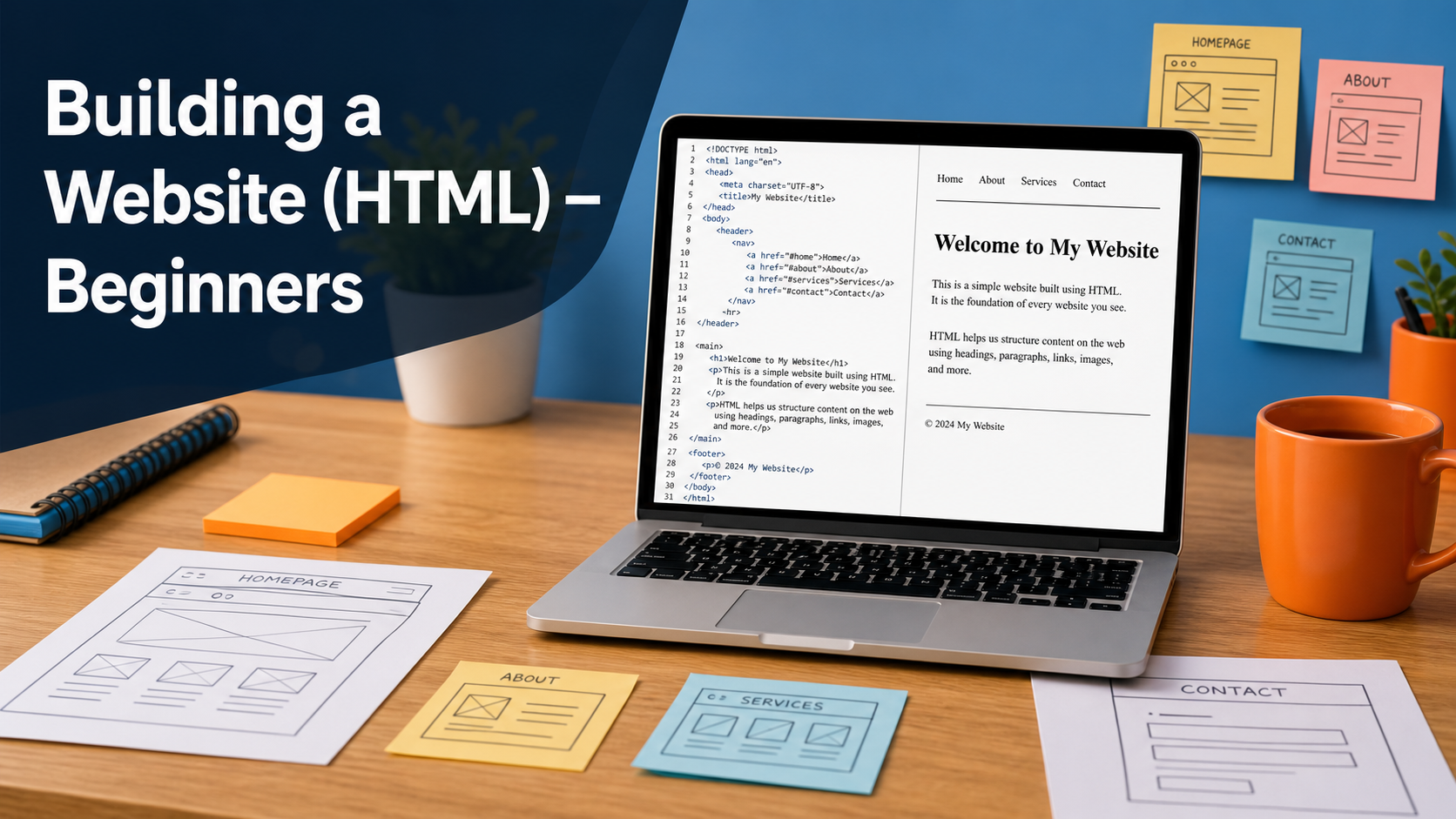
A beginner‑friendly course that shows you how to build simple web pages using only HTML. You will create a basic multi‑page website step by step, learning how to write clean tags, add text and images, and link your pages together.

What Will You Learn?

  • Explain what a website is and how browsers use HTML to display pages.
  • Set up a project folder, create an index.html file, and open it in a browser.
  • Write the basic HTML page structure using the correct tags and nesting.
  • Add headings, paragraphs, and line breaks to structure page content.
  • Create links between pages and build a simple navigation menu.
  • Use lists to organize information and build menu items.
  • Insert images into pages using the img tag, src, and alt attributes.
  • Build a small multi‑page website (Home, About, Contact) with shared navigation.
  • Check for broken links and images and fix basic HTML mistakes.
  • Understand the next steps for learning CSS styling after finishing this course.

Course Content

Topic 1: Getting Started with the Web
Understand what websites are, how the web works, and what HTML does.

  • Lesson 1: What Is a Website and What Is HTML?
  • Lesson 2: Setting Up Your Code Editor and Folder

Topic 2: Writing Your First Page
Write a basic HTML file with the correct structure and see it in the browser.

Topic 3: Adding Links and Navigation
Connect your pages and create simple navigation between them.

Topic 4: Adding Content to Your Pages
Insert images and other content into your HTML pages.

Topic 5: Finishing and Sharing Your Site
Check your site, fix basic errors, and prepare it to share with others.

Topic 6: Mini Portfolio Project
Apply everything you have learned in a small personal website project.

Earn a certificate

Add this certificate to your resume to demonstrate your skills & increase your chances of getting noticed.

selected template

Student Ratings & Reviews

No Review Yet
No Review Yet